
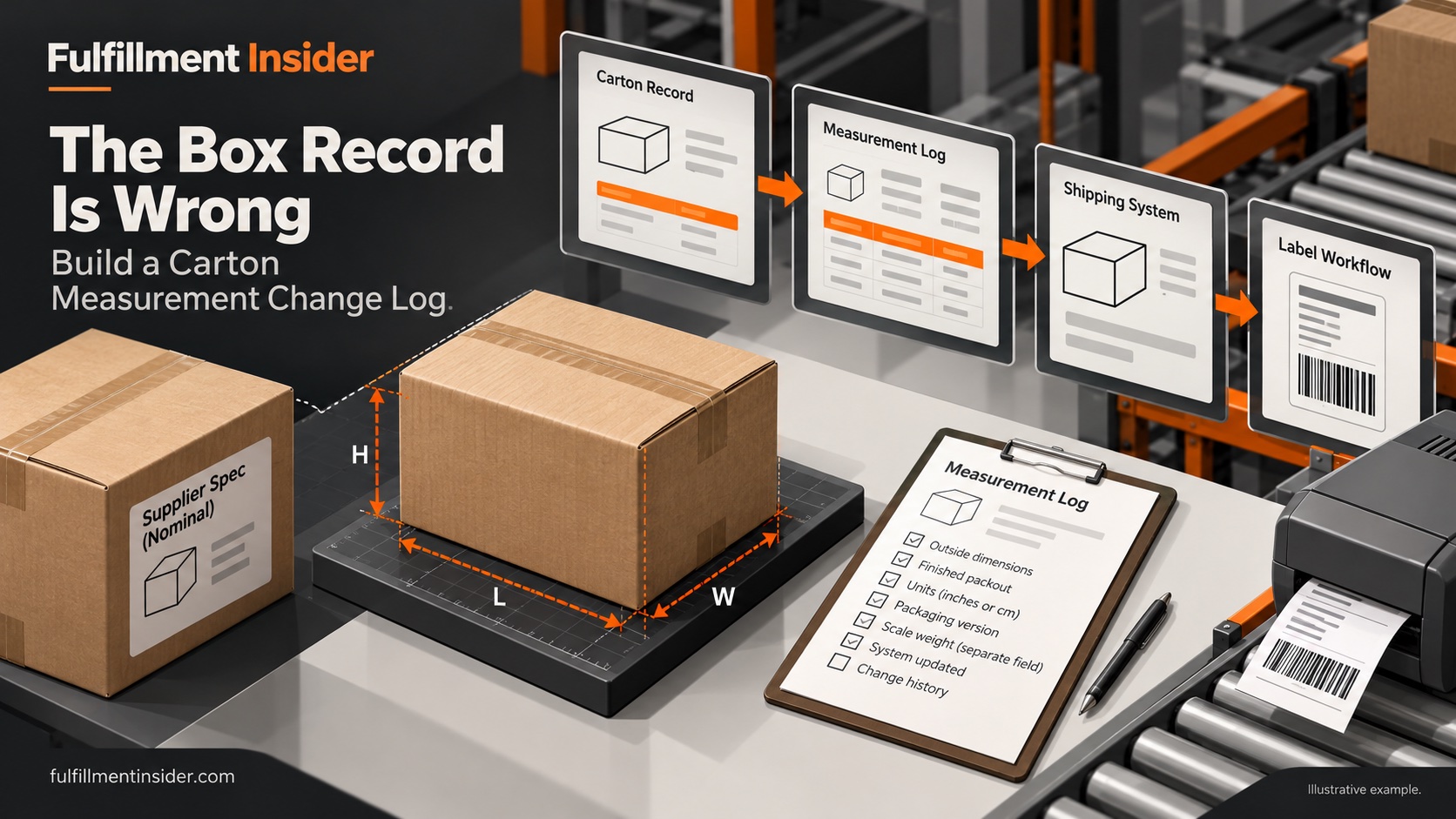
A warehouse can pack the right product into the right-looking carton and still send the wrong dimensions to its shipping system. The weak point is often an old record: a package code survived a supplier change, a sample was measured empty, or nobody knew which system supplied the dimensions.
The fix begins with the record’s journey. Identify who creates the carton entry, who measures it, which application uses it and who can replace it. A measurement that never reaches the label workflow cannot correct that workflow.
Start outside the packed carton
Shopify’s package guidance warns that advertised box dimensions can be internal measurements and instructs merchants to use outside dimensions for shipping calculations. It also supports saved packages and their dimensions. That makes a supplier description a starting reference, not an automatic shipping measurement. Shopify package setup.
Measure a closed, representative packout using the applicable carrier method. Record units, packaging version and whether the measurement includes the final contents and closure. Keep actual scale weight as its own field; volume is not weight.
A small measurement difference changes the volume
Illustrative desk calculation: compare one nominal record with one constructed outer measurement. These are invented dimensions, not measurements from a warehouse.
| Record | Dimensions, inches | Volume, cubic inches |
|---|---|---|
| Saved nominal carton | 12 × 10 × 8 | 960 |
| Example finished outer carton | 12.5 × 10.5 × 8.5 | 1,115.625 |
The second volume is 155.625 cubic inches larger, or about 16.21%. That is a geometric result, not a 16.21% shipping-price increase. This exercise applies no carrier divisor, rounding rule, minimum or surcharge threshold.
FedEx’s dimensional-weight calculator explains that dimensional and actual weight can affect the chargeable weight and that final charges depend on the service guide and agreement; packages can be remeasured or reweighed. A volume difference therefore deserves investigation, but does not by itself establish a bill. FedEx calculator.
Follow one package code through the workflow
For a selected carton, compare four records: purchase specification, warehouse package master, packing-station selection and shipment output. Document where they disagree. Some systems may calculate or override fields; ask for the actual output rather than assuming the saved master is always used.
Then make the correction controlled. Name the person approving the new measurement, retain the old value, record when the replacement takes effect and identify any stock still using the old carton. A new supplier lot should not silently overwrite the meaning of a package code if both versions remain on the shelf.
Test the correction at the point of use
Create a representative shipment through the normal workflow and inspect its package data before release. Verify that the correction reached the intended field, that units stayed consistent and that another default did not replace it. This is a proposed acceptance check, not a test we performed.
For later carrier adjustments, retrieve the package version and measurement record used for that shipment. That evidence will not guarantee a dispute outcome, but it gives the team a specific discrepancy to investigate.
The operational lesson is simple: measurement, approval and system update are three separate steps. Assign all three, and keep enough history to understand yesterday’s shipment after today’s carton record changes.
Related reading
Sources
- Shopify distinguishes outside dimensions from advertised box dimensions — accessed 2026-10-06.
- FedEx explains dimensional-weight considerations and final-charge limitations — accessed 2026-10-06.